
Sign up. Registration is free.

2. Enter your account details, pass the captcha and click Submit.

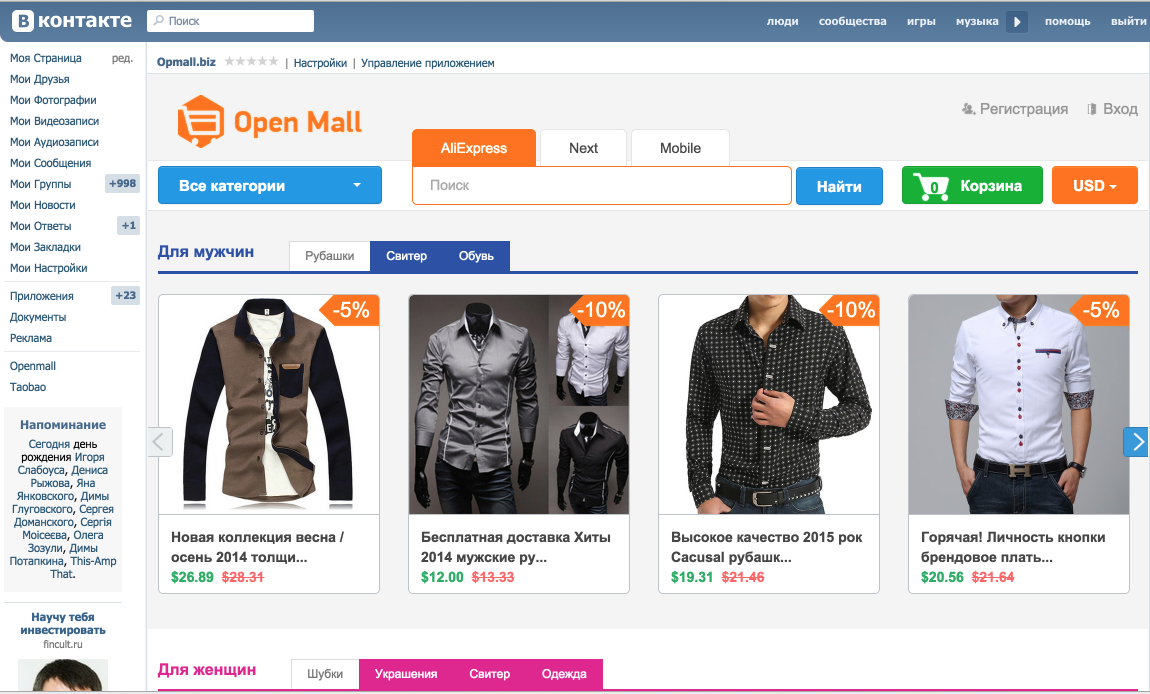
3. You will immediately be taken to the site template selection. You can choose from a wide range of responsive templates.

4. Give your site a convenient name. Click Confirm.

5. After that you will be redirected to the site settings. You can make edits and click Save.

6. To view all your sites, go to the My Sites tab.
7. We see our newly created site in the list.

8. Click the eye icon to preview the site.

9. Check that the site opens and displays correctly.
10. Let's go back to the list of sites and click the "gear" icon to edit the site.

11. Let's change the site title. Save the changes.

12. Go to our site and see that the content has been updated.

If you have any questions or want to order a trial version of the builder, write to us at
Email – [email protected]
Telegram – https://t.me/openmall_support
How to create a website with the site builder